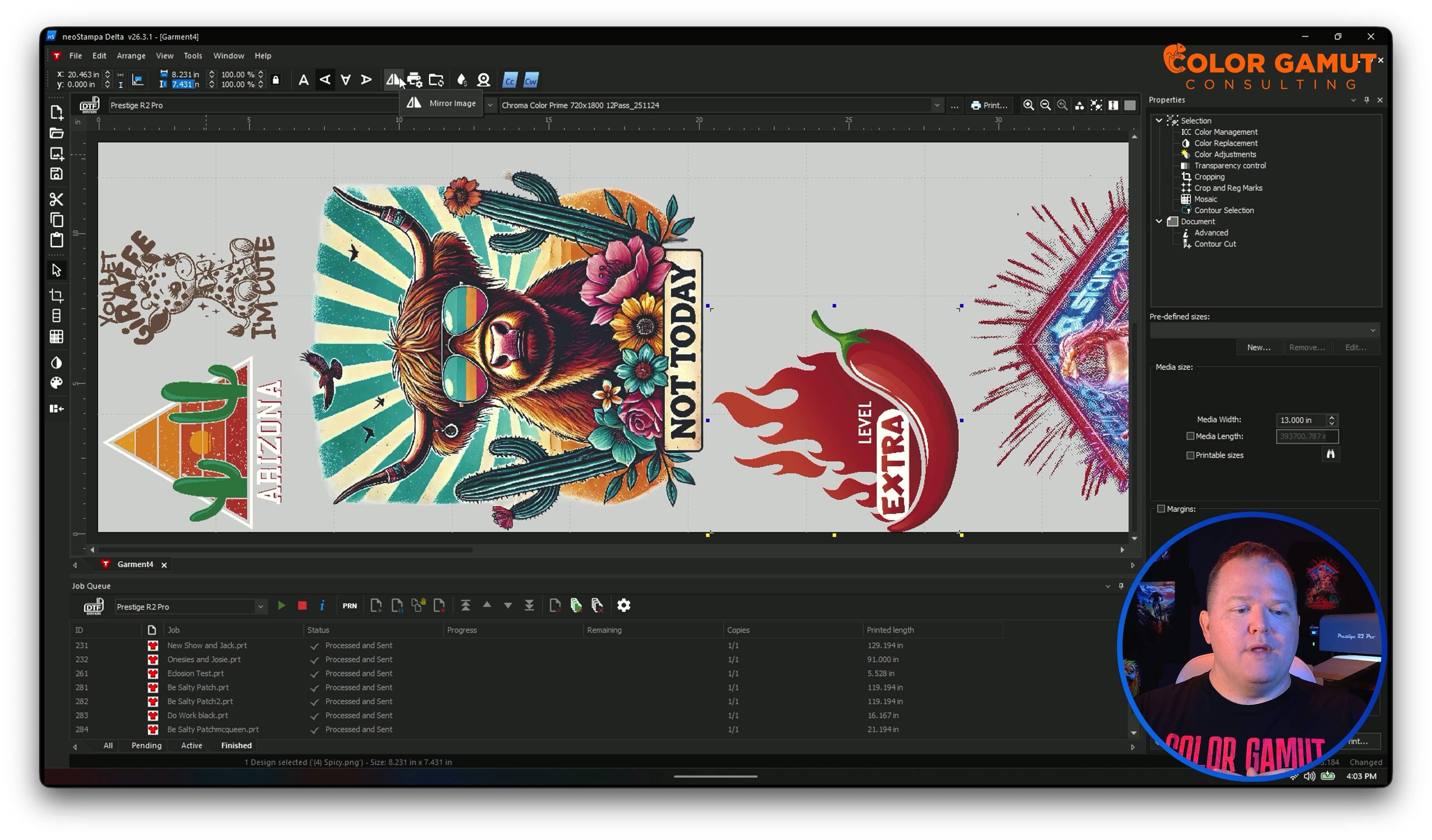
Comprehensive Training
Gain expertise in utilizing the full capabilities of NeoStampa, exploring all functions included in the Basic License.
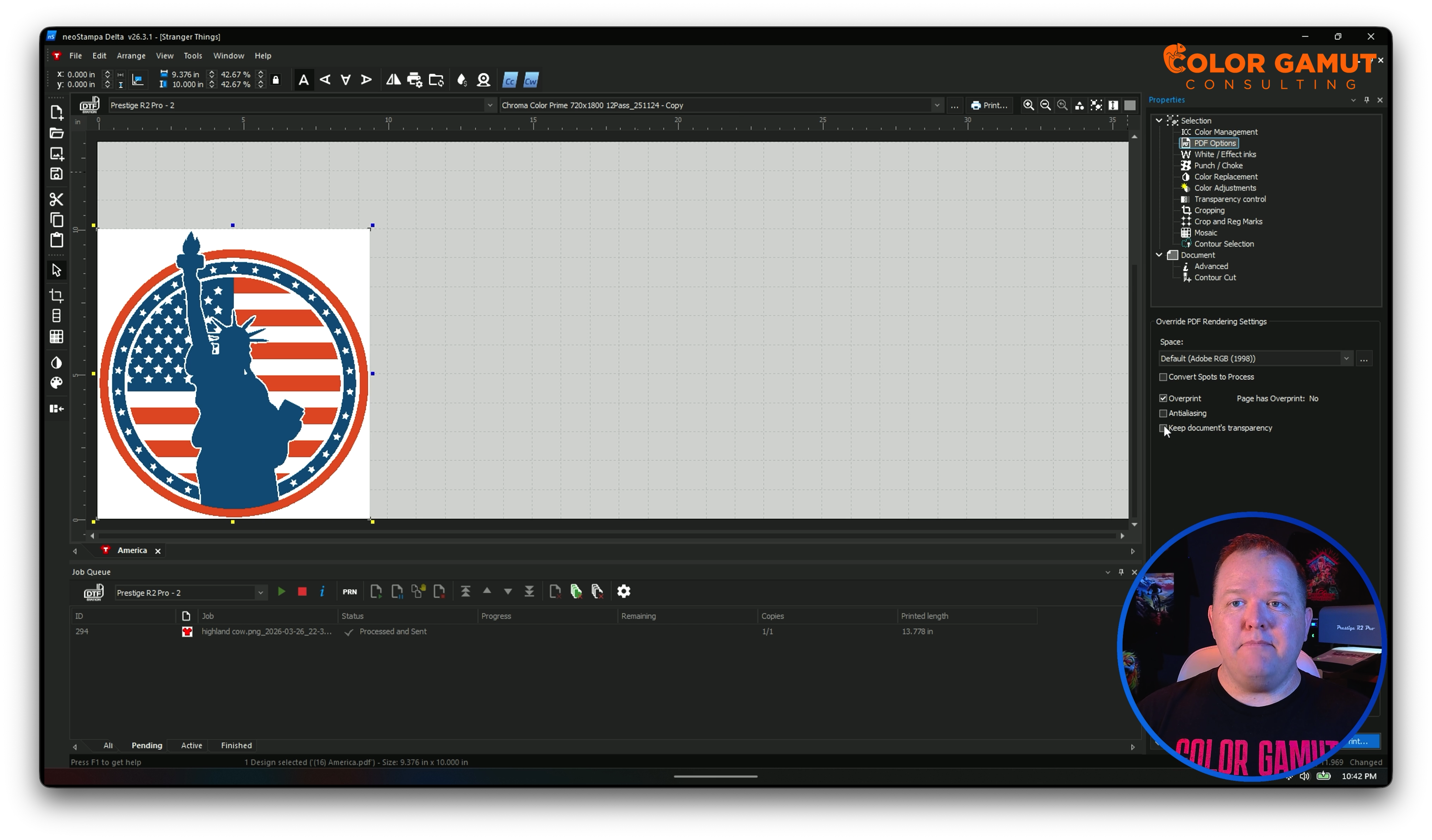
Quick Tips & Trouble Shooting
Get quick answers on common issues in NeoStampa.
Expert Guidance
Receive expert guidance and support throughout the course to ensure a smooth learning experience.
About the Course
Are you ready to master NeoStampa? This course offers a detailed exploration of every function included in the Basic License. Join us on this transformative learning journey and become a NeoStampa expert.
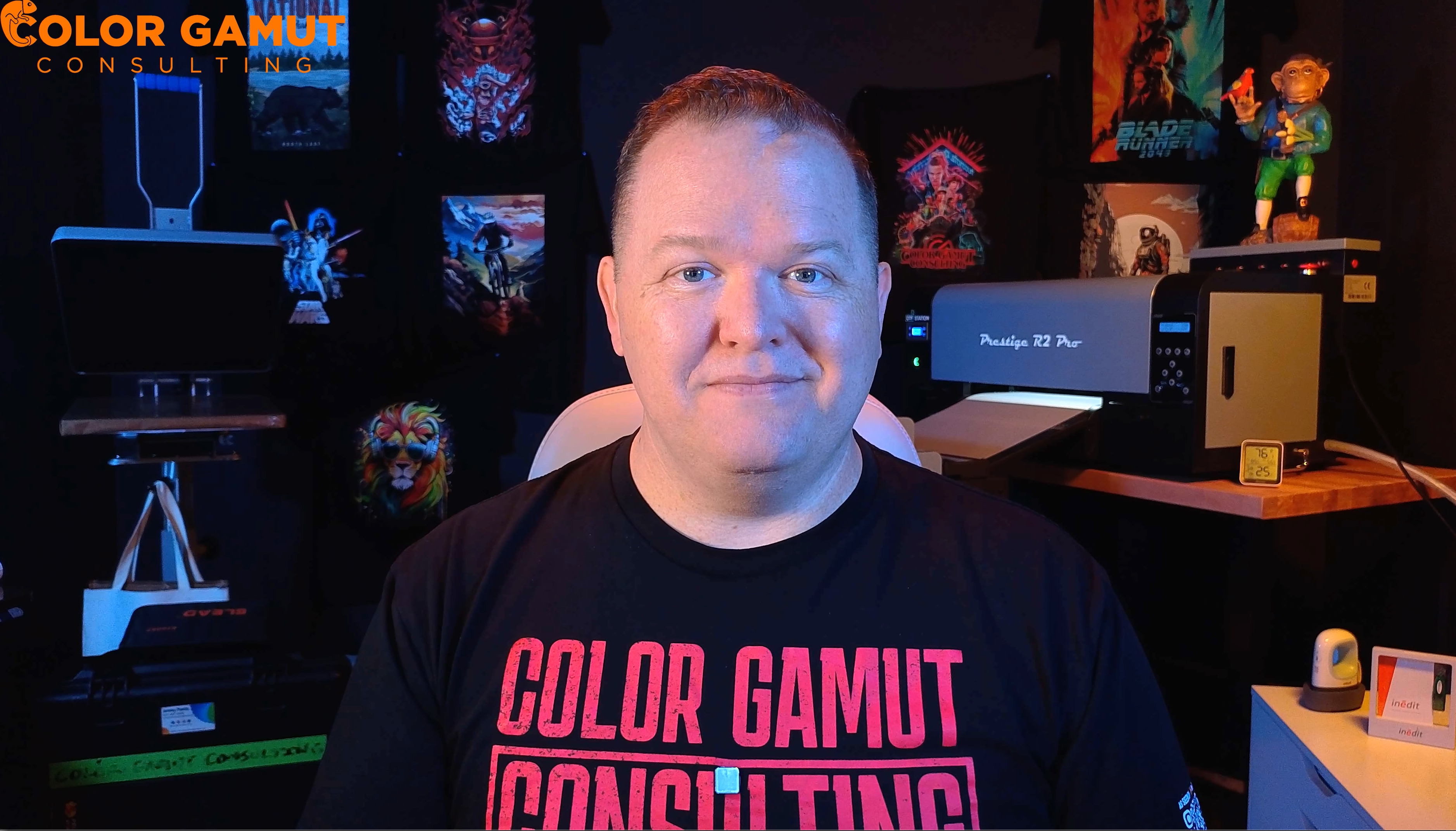
About the Creator
Hi, I'm Jeremy Poehls, and I'm thrilled to share my expertise in NeoStampa with you. Overcome your printing challenges and elevate your skills with my guidance. My goal is to empower you to excel in DTF printing and unleash your creativity. Let's embark on this learning adventure together!
Course Curriculum
-
1
Welcome to NeoStampa
-
2
Quick Start Essentials
-
(Included in full purchase)
Daily Printing Workflow
-
(Included in full purchase)
Installing NeoStampa
- Setting Up Your Printer Free preview
-
(Included in full purchase)
Creating & Naming your First Job
-
(Included in full purchase)
Loading Different Files for Printing
-
(Included in full purchase)
-
3
Navigating the Interface
-
(Included in full purchase)
Getting to Know the Workspace
-
(Included in full purchase)
Menu Bar
-
(Included in full purchase)
Size & Position Bar
-
(Included in full purchase)
Printer Bar & Zoom
-
(Included in full purchase)
The Toolbar (Left Side)
-
(Included in full purchase)
Keyboard Shortcuts
-
(Included in full purchase)
Job Tabs & Queue
-
(Included in full purchase)
Properties Panel
-
(Included in full purchase)
-
4
Properties Panel
-
(Included in full purchase)
Document Settings
-
(Included in full purchase)
Color Management
-
(Included in full purchase)
PDF Option
-
(Included in full purchase)
White Effect Inks
-
(Included in full purchase)
Punch & Choke
-
(Included in full purchase)
Color Replacement
-
(Included in full purchase)
Variations
-
(Included in full purchase)
Color Adjustments
-
(Included in full purchase)
Transparency Controls
-
(Included in full purchase)
Cropping & Mosaic
-
(Included in full purchase)
Crop and Registration Marks
-
(Included in full purchase)
-
5
Printer Schemes (Print Modes)
-
(Included in full purchase)
Print Scheme Manager
-
(Included in full purchase)
Main Buttons
-
(Included in full purchase)
The Print Mode Tab
-
(Included in full purchase)
The Ink Tab
-
(Included in full purchase)
The Color Tab
-
(Included in full purchase)
The Spot Color Tab
-
(Included in full purchase)
The PDF/PostScript Tab
-
(Included in full purchase)
The Advanced Tab
-
(Included in full purchase)
Wizard, Backup & Save
-
(Included in full purchase)
-
6
Rip, Output & Job Management
-
(Included in full purchase)
Rip, Output & Job Management
-
(Included in full purchase)
RIP Output Window
-
(Included in full purchase)
Job Queue
-
(Included in full purchase)
-
7
Hot Folders
-
(Included in full purchase)
Hot Folders
-
(Included in full purchase)
-
8
Troubleshooting & Quick Answers
-
(Included in full purchase)
White background appears behind transparent images (PDF/.ai)
-
(Included in full purchase)
Job name shows "Garment 1" instead of the file name.
-
(Included in full purchase)
Centered images don't print centered
-
(Included in full purchase)
Exporting and Importing Printer Schemes
-
(Included in full purchase)
How to Change Where Printed Files Go
-
(Included in full purchase)
EasyCut | Why Your Nesting Isn't as Efficient as it Could be.
-
(Included in full purchase)
Locating Printer Scheme Files
-
(Included in full purchase)
How to add Printed Names for Each File instead of the Entire Gang Sheet
-
(Included in full purchase)
Ready to Master NeoStampa?
Learn the ins and outs of using NeoStampa, covering every function that comes with the Basic License.
$125.00